Apple in April 2022 launched a dedicated Self Service Repair program for iPhone that provides the repair manuals, parts, and tools necessary for fixing the display, battery, bottom speaker, camera, display, SIM Tray, and Taptic Engine.
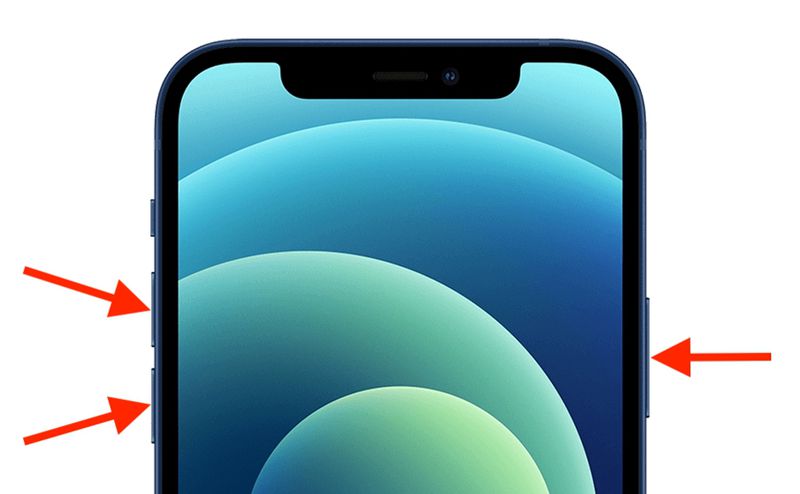
- Power off your iPhone by pressing and holding either the volume button and the Side button until the power-off slider appears on the screen.
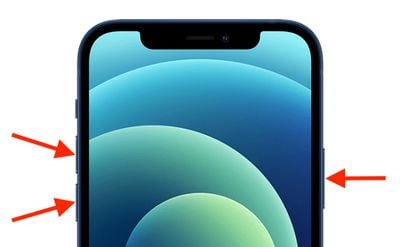
- Drag the slider to turn your device off.

- Press and hold both the volume up and volume down buttons.
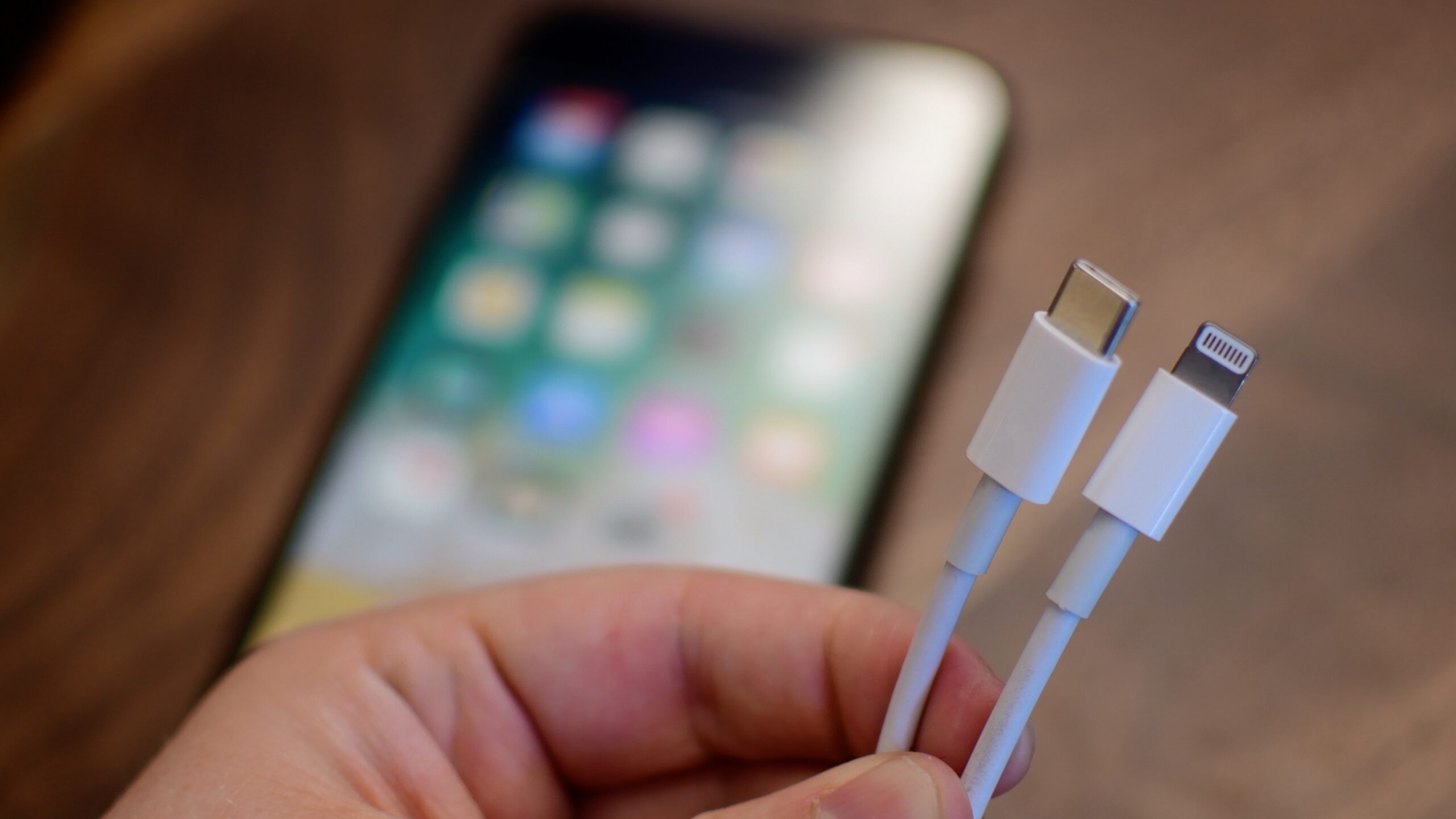
- With both volume buttons still held down, plug your Lightning cable into your iPhone and connect it to a power adapter or a computer.
- Release the buttons when the Apple logo appears.
- When a message appears saying “Diagnostics allow Apple to identify potential hardware and software issues with this device,” tap Start Diagnostics.


Quite frankly, there’s nothing much to do when you enter this mode as it is mainly meant for Apple itself. And like I mentioned above, there’s a high chance Apple might even end up removing this feature altogether in the final release in a way that it’s only left to be accessed by the company’s employees only.